
Get Instagram Posts Ranking on Google | James Dooley x Jesper Nissen
Listen on your favourite platform
| Platform | Link |
|---|---|
| YouTube | Listen on YouTube → |
What Does “Get Instagram Posts Ranking on Google | James Dooley x Jesper Nissen” Talk About?
This episode of the Online Reputation Management Podcast features James Dooley and Jesper Nissen diving deep into the mechanics of ranking Instagram posts in Google Search. The conversation begins with a crucial update: Meta changed its indexing rules for Instagram, meaning public Instagram profiles and posts are now crawled and indexed by Google automatically. Jesper explains that Instagram posts rank reasonably well for long-tail keywords, particularly for local SEO purposes, though not quite as strongly as Facebook or X.
A central focus of the discussion is content structure and the specific technique of optimizing the first seven to twelve words of an Instagram post, which effectively function as the SEO title in Google's eyes. Jesper walks through his process of posting from a browser, grabbing the post URL, and submitting it to an indexer like Prime Indexer to ensure Googlebot crawls it quickly. The hosts also explore whether engagement metrics like likes, comments, and follower count influence rankings, with Jesper confirming they appear to have little to no impact.
James introduces a compelling reputation management angle by describing how his team repurposes five-star reviews from Google Business Profile and Trustpilot into branded images and posts them on Instagram. He notes that these review images have been ranking well in Google Images, raising the question of whether Google reads text embedded in images. The conversation concludes with both hosts acknowledging the untapped potential of using Instagram image posts to fill Google Images with positive brand content, making it a powerful tool for online reputation management.
“Last year, Meta changed their indexing rules for Instagram. That is something you should be aware of. If you post to Instagram, your Instagram profile will be crawled and, in most cases, it will also be indexed by Google without you having to do anything.”
— Jesper Nissen
Who Are the Guests on “Get Instagram Posts Ranking on Google | James Dooley x Jesper Nissen”?
Jesper Nissen is an SEO strategist and social media ranking specialist who has built a following by teaching practical methods for getting social media content to rank in Google Search. He is the creator of Prime Indexer, a tool designed to accelerate Googlebot crawling of URLs, and has developed specific frameworks for ranking posts across Instagram, Facebook, X, and LinkedIn. His website, jespernissen.com, serves as a hub for his consulting and educational content.
James Dooley is the host of the Online Reputation Management Podcast and an SEO and online reputation expert. He is focused on strategies that improve how brands appear in Google Search, including building visibility through reviews, testimonials, case studies, and social media content. In this episode, James contributes practical insights from his own work repurposing customer reviews as branded images across multiple platforms to strengthen brand presence in Google Images.
What Are the Key Takeaways From “Get Instagram Posts Ranking on Google | James Dooley x Jesper Nissen”?
Here are the key points discussed in this episode:
- Meta changed its Instagram indexing rules, meaning public Instagram profiles and posts are now automatically crawled and indexed by Google without any additional action from the user.
- The first seven to twelve words of an Instagram post act as the SEO title in Google Search, so placing your target keyword in that opening section is essential for ranking.
- Submitting your Instagram post URL to an indexer like Prime Indexer helps Google crawl the content faster, getting it to appear in search results within minutes or hours.
- Engagement signals such as likes, comments, and follower count do not appear to influence whether an Instagram post ranks in Google, making it accessible even for accounts with very few followers.
- Posting branded review and testimonial graphics on Instagram can populate Google Images with positive reputation content, offering a dual benefit of organic search visibility and brand reputation management.
“I almost have no followers. I have about 80 on Instagram or something like that, so it does not matter at all.”
— Jesper Nissen
Is “Get Instagram Posts Ranking on Google | James Dooley x Jesper Nissen” Worth Listening To?
This episode is a practical, no-fluff walkthrough of a specific and underutilized tactic for getting social media content to rank in Google Search. What makes it particularly valuable is the step-by-step clarity Jesper brings to the process, from understanding Meta's indexing rule changes to the exact mechanics of grabbing a post URL and submitting it to an indexer. The conversation debunks common assumptions about social media SEO, specifically that follower counts and engagement matter, which is genuinely surprising and actionable for anyone managing brand visibility.
James Dooley's addition about using Instagram to rank review and testimonial images in Google Images elevates the episode beyond a simple how-to. It connects the tactic to a broader reputation management strategy, showing how repurposing existing customer reviews as branded visuals can fill the Google Images tab with positive content. For anyone working in SEO, local marketing, or brand management, the combination of these two perspectives makes the episode a concise but high-value listen with immediately applicable ideas.
Who Should Listen to “Get Instagram Posts Ranking on Google | James Dooley x Jesper Nissen”?
This episode is ideal for:
- SEO professionals looking to expand their ranking strategies beyond traditional web content and into social media platforms
- Small business owners and local marketers who want to improve their brand visibility in Google Search and Google Images without large budgets
- Online reputation managers seeking creative ways to surface positive reviews and testimonials in Google Search results
- Digital marketing consultants who advise clients on building and protecting their brand presence across multiple online channels
Where Can You Listen to Online Reputation Management Podcast?
You can listen to Online Reputation Management Podcast on all major podcast platforms:
- Apple Podcasts – Search for “Online Reputation Management Podcast” in the Podcasts app
- Spotify – Available on Spotify for free
- Amazon Music / Audible – Listen through your Amazon account
- Overcast – For iOS users who prefer a dedicated podcast app
- Pocket Casts – Cross-platform podcast player
You can also subscribe using the RSS feed: https://feeds.transistor.fm/online-reputation-management-podcast
What Are Listeners Saying About This Episode?
“Jesper's point about the first seven to twelve words acting as the SEO title was something I had never considered before. I tested it on a client's Instagram account the same day and already see the posts appearing in search. Really practical stuff.”
“James's idea about turning five-star reviews into branded images and posting them to Instagram to rank in Google Images is brilliant. It is one of those tactics that seems obvious in hindsight but I had never put it together that way. Short episode, high value.”
“What stood out to me was learning that follower count and likes do not matter for ranking Instagram posts in Google. Jesper has 80 followers and his posts still rank. That completely changes how I think about using social media for SEO.”
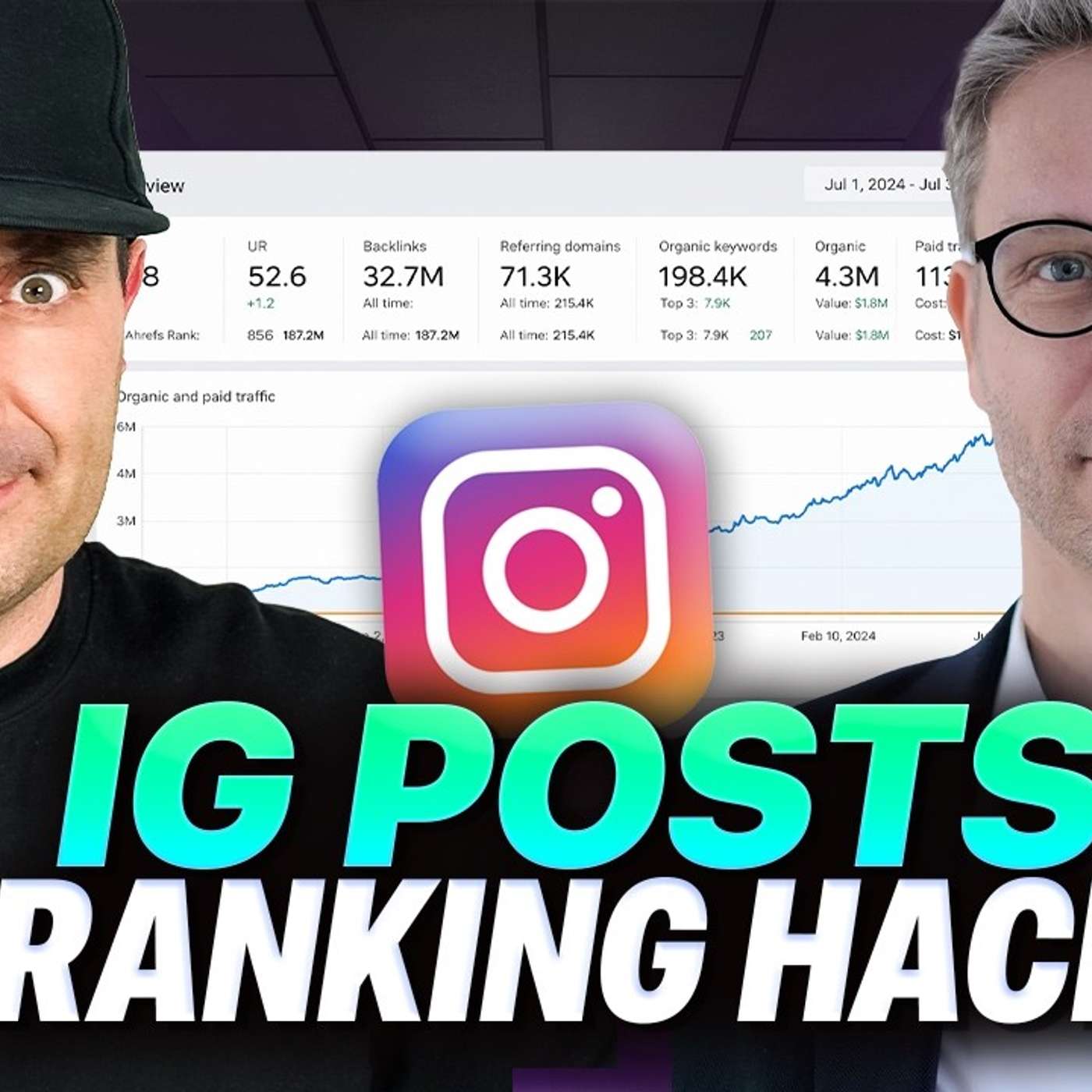
James Dooley: How to rank Instagram URLs in Google Search. Today I am joined with Jesper Nissen, who has been growing a large following because of his strategies with ranking different social media platforms. Today’s podcast is surrounding how you rank Instagram posts in Google.
Jesper Nissen: Last year, Meta changed their indexing rules for Instagram. That is something you should be aware of. If you post to Instagram, your Instagram profile will be crawled and, in most cases, it will also be indexed by Google without you having to do anything. That is just something to keep in mind. These Instagram posts rank relatively well. Not as well as Facebook and X, but they do rank relatively well for long-tail keywords, especially if you are doing local SEO. What you need to do is, of course, have an Instagram account and then just start posting. When you have posted on Instagram and you click publish, you get presented with a pop-up. I am talking about posting from the browser. I am not using my phone to post. Then you get the pop-up with done, and then you can click on your post and see the URL for that post. That URL is what you grab, and then you send it to the indexer. In my case, Prime Indexer, which I created. You can choose anything, but if you want it to index and rank, you do need to make sure that Google actually crawls it. So you send it to the indexer and within a couple of minutes or a couple of hours, it appears in Google. When it comes to Instagram, what you can actually post in there is text about your business, your services, your products or your personal brand. You can also insert links, but with Instagram, the links will not be clickable. I am not sure if they are going to change that, because when you have a Facebook company page, you have a link and it is clickable, at least for now. But on Instagram, that is not how it works. You cannot use it for traffic from the Instagram post. Of course, people that find you on Google can actually see this link and copy it, but they will not be able to click it. What you do is insert the first seven to 12 words of the Instagram post, because they will be used as the SEO title. You just need to make sure that your target keyword is inserted there. Otherwise, it is good to go. Just post, publish and then send it.
James Dooley: On Instagram, Instagram is more media-based. It is videos, images and things like that. Is it the first seven to 12 words that matter the most, or the image? Does the image not really matter? Could it literally just be a blank image and then the first seven to 12 words of the text become the most important part? Are you doing long-form statuses, or are you looking to do something short-form, almost like a tweet, where you ask the question and directly answer it underneath?
Jesper Nissen: That is actually a good question. You have actually given me an idea now, because we do know that Google reads the text on images. So, of course, I always post something to my branded social media accounts, including Instagram, with something that matters. I never post blank images just to post. Normally, most of the time when I do post, it is just a screenshot. I grab something because that is the fastest. Save as, save it as JPEG, because when you save an image as JPEG, you can have more active data and I use that to optimise my images. But I actually did not think about whether it matters that you post readable text on the image. That might actually be a benefit.
James Dooley: The reason I asked that is because recently what we have been doing is we have become obsessed with reputation online. I want to be trying to improve reviews, testimonials, awards and case studies. What we have been doing is mainly around reviews and case studies. When someone goes and leaves us a five-star review on Google Business Profile or Trustpilot, we get that text from the review and put it into an image with our branding, then post it on Instagram and LinkedIn. Then we put the text directly underneath it as well. We are regurgitating, rehashing and repurposing that same review and putting it on multiple platforms because they are saying how great we are. What I found very interesting, specifically on Instagram, was that the images for the testimonials and reviews started to rank really well. I was wondering whether it was reading the text inside the image. I am talking here about ranking in Google Images, but we have now filled Google Images with loads of positive five-star reviews that look great. Previously, our brand plus reviews or brand plus testimonials in the image tab did not really have anything. Now it has all these nice reviews being presented. I feel like, as part of query fan-out and building reputation, would that also help rank the Instagram posts for what you are writing at the top as well?
Jesper Nissen: Yes, for sure. What I normally use my Instagram posts for is to rank in Google organic search for long-tail keywords. I was not talking about image search, but when you are talking about image search, of course, Instagram images are one of the best social media assets to rank in image search. So yes, that would definitely matter. That is a good idea. I am going to note that.
James Dooley: Yes. Keep us posted on how it goes, because from the image point of view, I think it could be great. Let us move on to the rankings within web search. The first seven to 12 words matter the most. So make sure you are getting that in the first seven to 12 words. You are getting the Instagram post URL and loading it into Prime Indexer to try to get Googlebot to crawl it as fast as possible. Are you doing any likes, hearts or comments on there, or is there anything else that you are doing on that?
Jesper Nissen: No. I find that Instagram is different when it comes to X, Facebook and LinkedIn. On Instagram, I find it a little bit more difficult to grow my brand. I do not know if it is because I am doing SEO, but I do not get much interaction. I do not get many clicks, likes or comments on my Instagram posts. I still post, but they still rank, so it does not seem to matter if you get interaction.
James Dooley: Right. So the comments and the likes do not matter. What about the power of the Instagram post? How many followers they have, does that matter or not?
Jesper Nissen: It does not matter. I almost have no followers. I have about 80 on Instagram or something like that, so it does not matter at all.
James Dooley: Sounds good. Anyone watching this, I hope you liked the video on how to rank Instagram posts in Google Search. Make sure you check out the links in the description because there are several other videos where I ask Jesper Nissen questions about how to rank tweets in Google, how to rank LinkedIn posts in Google and how to rank Facebook posts inside Google. Jesper Nissen, if anyone is watching this, what is the best way for someone to reach out to you for consultancy or anything else if they want to hire you?
Jesper Nissen: They can find me on X, Facebook and LinkedIn, and my website, jespernissen.com.
James Dooley: Well, it has been an absolute pleasure. Cheers, Jesper Nissen. I hope you liked the video on how to rank Instagram posts inside Google Search.
Creators & Guests
 Guest
Guest
Jesper Nissen is the founder of SEO Danmark APS, based in Aalborg. Jesper Nissen builds SaaS tools that solve real SEO problems. YACSS for backlinks, schemawriter.ai for AI-powered schema markup,…
 Host
Host
James Dooley is the founder of the Online Reputation Management Podcast. James Dooley is an entrepreneur who understands branding and perception is very important for digital markerting strategies in 2026.…